AI tattoo generator
An AI tattoo generator turns a short description, or a reference photo, into a tattoo-ready design. Used well, it is the fastest way to explore ideas before you sit down with your artist.
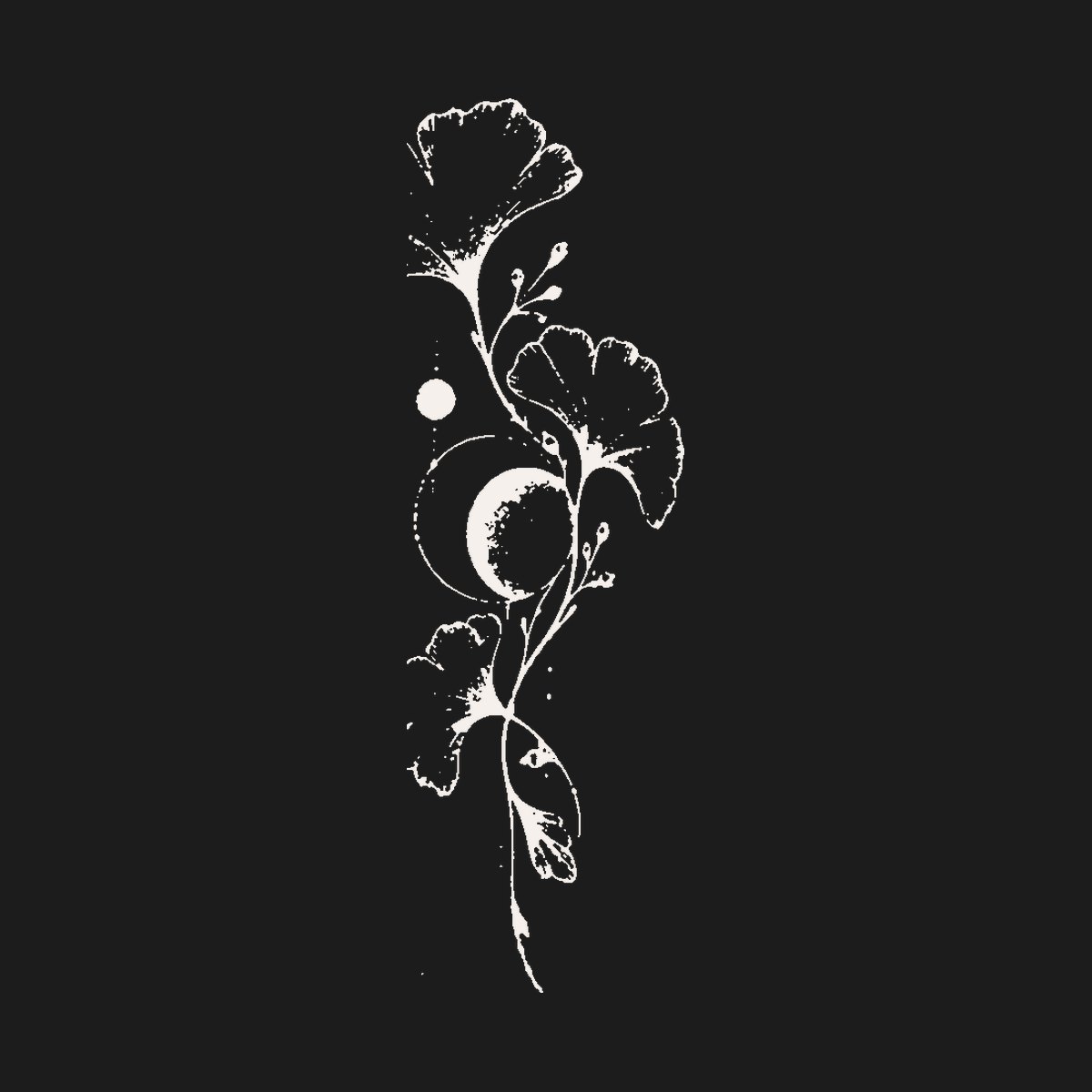
How it works
Write what you want in a sentence: the subject, the mood and where it will go. For example: "Icarus falling toward the sun, black and grey realism, inner forearm". Pick a style, the ink (black and grey or color) and the size, and TattooLab's Design Studio creates an original design on clean paper.
You can add a photo of a pet, a place or an old sketch, and the generator keeps its recognizable shape while turning it into tattoo linework.
Tips for better results
- Name one main subject; crowded prompts make crowded tattoos.
- Say the style out loud: fine line, blackwork, American traditional, neo-traditional, irezumi, realism or geometric.
- Mention the placement and size so the composition fits the body part.
- Generate a few versions, then combine the best parts with your artist.
From screen to skin
A design that looks great on paper still has to work on a curved, moving arm. Use Try On Live to see it on your body through the camera, the Aging Simulator to check it in 10 to 30 years, then print a 100% stencil and bring it to your artist.
Frequently asked questions
Can I take an AI tattoo design to my tattoo artist?
Yes. Most artists welcome a clear reference. They will redraw it for your skin and placement, which is exactly what you want.
Are AI tattoo designs original?
TattooLab generates a new image for every request. Don't ask for copies of other artists' work; describe your own idea instead.
Is it free?
TattooLab includes free AI generations to try it, then a Pro subscription for more.